
Asheville JCC Calendar
Events
Calendar of Events
|
Monday
|
Tuesday
|
Wednesday
|
Thursday
|
Friday
|
Saturday
|
Sunday
|
|---|---|---|---|---|---|---|
|
0 events,
|
0 events,
|
0 events,
|
0 events,
|
3 events,
Begin your day with a 15-minute guided meditation during this 30 minute program. Optional: Stay for coffee, nosh and conversation at Brunch B’Yachad.Fridays 10-10:30 am – Email Caroline@jcc-asheville.org for more […] 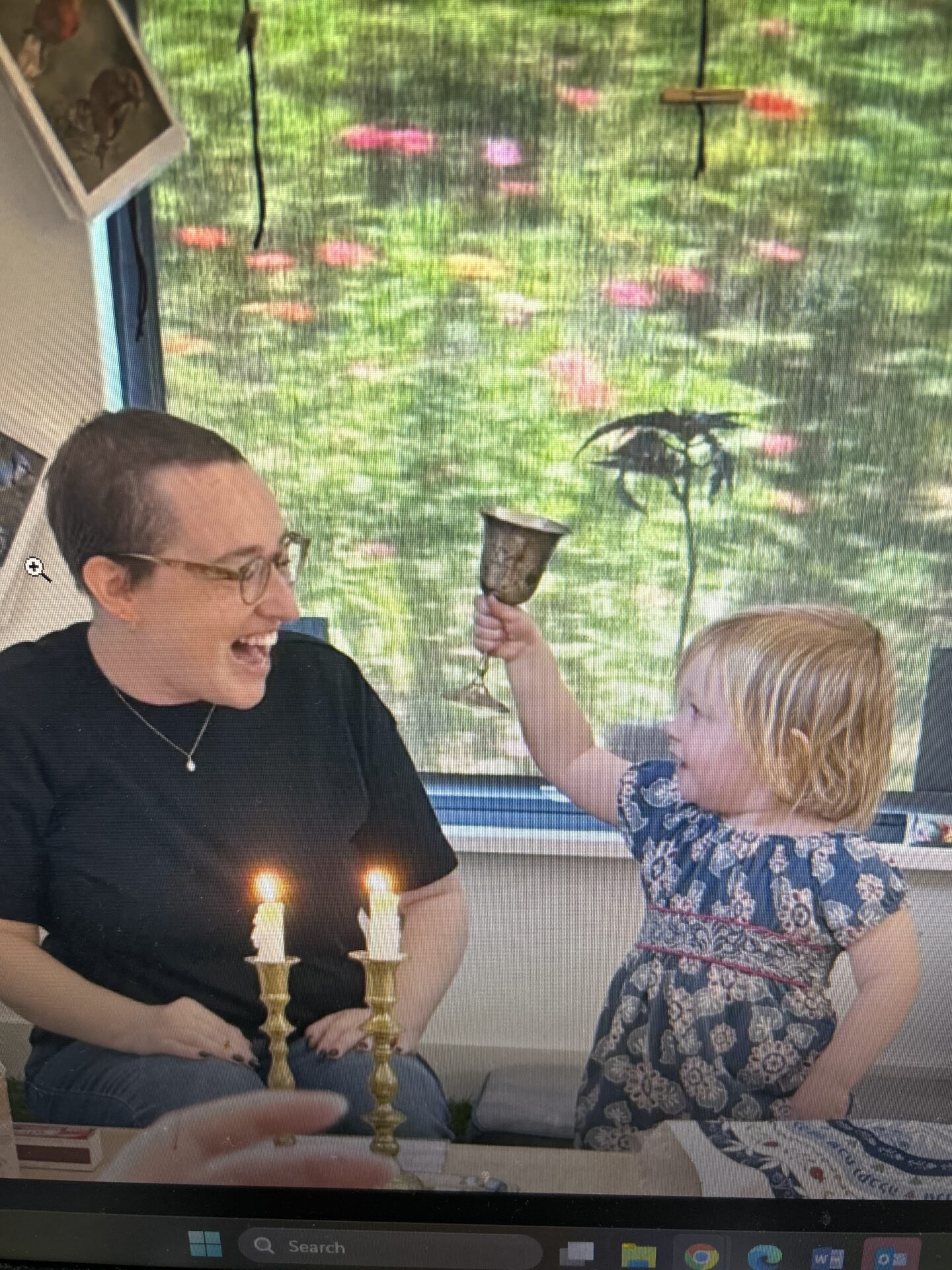
Families are invited to join us for blessings and songs as we celebrate Shabbat. Classrooms schedules vary by time. See below for classroom details. Pre-K (Ahava & Keshet): 10:00 AM […] 
Join new and old friends for light brunch, socialization and lively discussion. Featured guest speakers and cultural topics will fill our minds while we fill our bellies. Purchase a 7-visit pass […] |
0 events,
|
0 events,
|
1 event,
Calling all fiddles, mandolins, banjos, guitars, stand-up basses, other acoustic instruments, and heartfelt vocals! Come celebrate old-time and bluegrass heritage with other musicians. Mountain Music Jam is played at the […] |
0 events,
|
0 events,
|
3 events,
Begin your day with a 15-minute guided meditation during this 30 minute program. Optional: Stay for coffee, nosh and conversation at Brunch B’Yachad.Fridays 10-10:30 am – Email Caroline@jcc-asheville.org for more […]
Join new and old friends for light brunch, socialization and lively discussion. Featured guest speakers and cultural topics will fill our minds while we fill our bellies. Purchase a 7-visit pass […] 
Welcome Shabbat Sha-Zoom is a virtual celebration of Shabbat that gathers online every 1st Friday of the month for a program of camaraderie, singing, welcoming the Sabbath with our community […] |
1 event,
The Asheville JCC is pleased to be a sponsor of this year’s Asheville Jewish Film Festival. About the Nov. 7 & 8 film: The Ring is about three generations of […]
$10 – $82.20
|
2 events,
The Asheville JCC is pleased to be a sponsor of this year’s Asheville Jewish Film Festival. About the Nov. 7 & 8 film: The Ring is about three generations of […]
$10 – $82.20
The Asheville JCC is pleased to be a sponsor of this year’s Asheville Jewish Film Festival. The Asheville Jewish Film Festival returns in 2026 with four award-winning Asheville premieres plus special […]
$10 – $82.20
|
|
|
0 events,
|
0 events,
|
0 events,
|
0 events,
|
2 events,
Begin your day with a 15-minute guided meditation during this 30 minute program. Optional: Stay for coffee, nosh and conversation at Brunch B’Yachad.Fridays 10-10:30 am – Email Caroline@jcc-asheville.org for more […]
Join new and old friends for light brunch, socialization and lively discussion. Featured guest speakers and cultural topics will fill our minds while we fill our bellies. Purchase a 7-visit pass […] |
0 events,
|
1 event,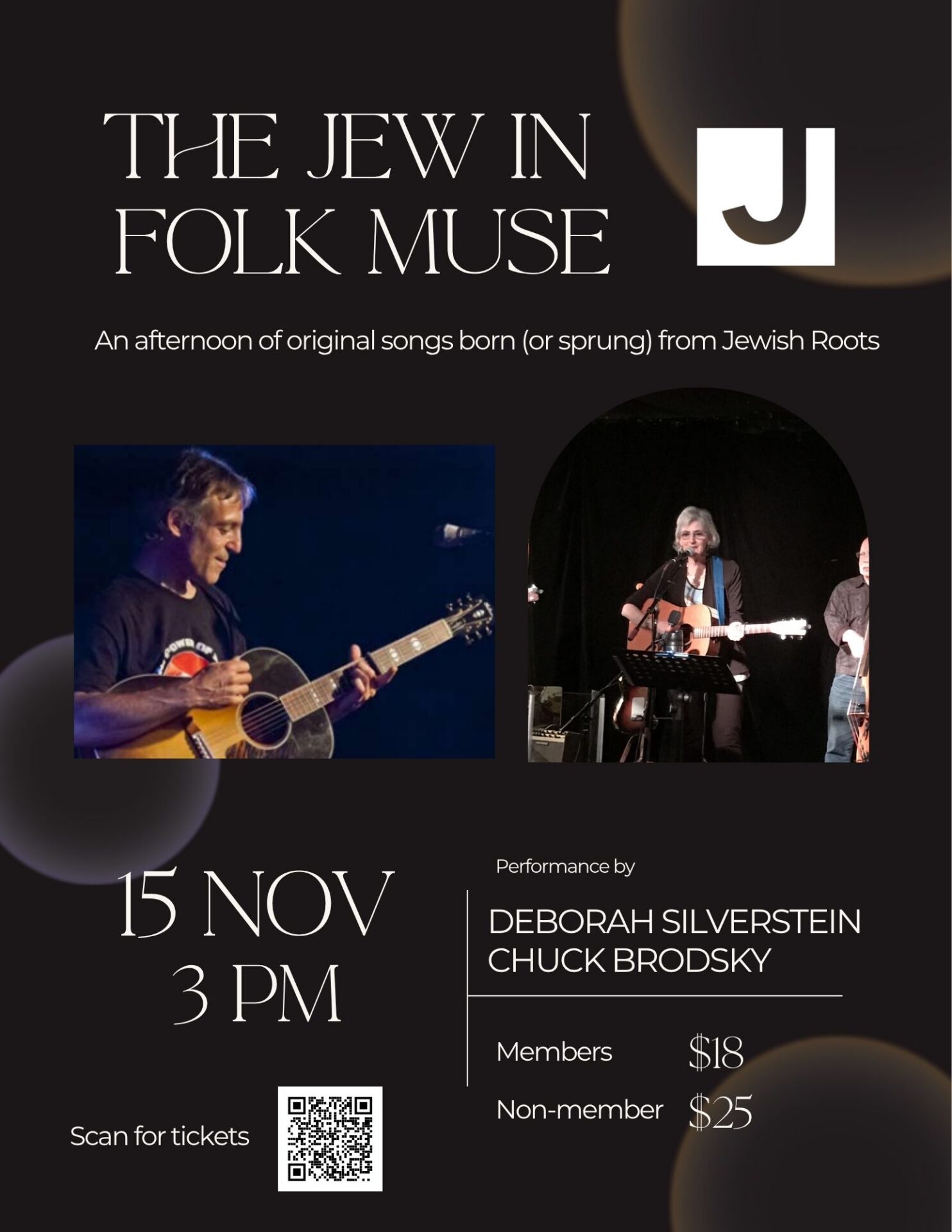
Featured
–
Featured
The Jew in the Folk Muse: An afternoon of original songs born (or sprung) from Jewish Roots Chuck Brodsky Chuck Brodsky is a 31 year Asheville resident who has been […] |
1 event,
Calling all fiddles, mandolins, banjos, guitars, stand-up basses, other acoustic instruments, and heartfelt vocals! Come celebrate old-time and bluegrass heritage with other musicians. Mountain Music Jam is played at the […] |
0 events,
|
0 events,
|
0 events,
|
2 events,
Begin your day with a 15-minute guided meditation during this 30 minute program. Optional: Stay for coffee, nosh and conversation at Brunch B’Yachad.Fridays 10-10:30 am – Email Caroline@jcc-asheville.org for more […]
Join new and old friends for light brunch, socialization and lively discussion. Featured guest speakers and cultural topics will fill our minds while we fill our bellies. Purchase a 7-visit pass […] |
0 events,
|
|
1 event,
Featured
–
Featured
Please mark your calendar for a delayed JCC opening Monday, November 23, when the JCC will open for all regular programming at 10:00am. As part of Dr. Fish’s visit, the […] |
0 events,
|
1 event, |
1 event, |
0 events,
|
1 event,
Featured
–
Featured
Dreidels and Donuts (and Pizza) Join us for a pizza lunch, sufganiyot, dreidel spinning, and a few special Hanukkah stories. *Click here to become a PJ Library Member, and participate […]
Free
|
|
|
0 events,
|
0 events,
|
0 events,
|
0 events,
|
3 events,
Begin your day with a 15-minute guided meditation during this 30 minute program. Optional: Stay for coffee, nosh and conversation at Brunch B’Yachad.Fridays 10-10:30 am – Email Caroline@jcc-asheville.org for more […]
Join new and old friends for light brunch, socialization and lively discussion. Featured guest speakers and cultural topics will fill our minds while we fill our bellies. Purchase a 7-visit pass […]
Welcome Shabbat Sha-Zoom is a virtual celebration of Shabbat that gathers online every 1st Friday of the month for a program of camaraderie, singing, welcoming the Sabbath with our community […] |
0 events,
|
1 event,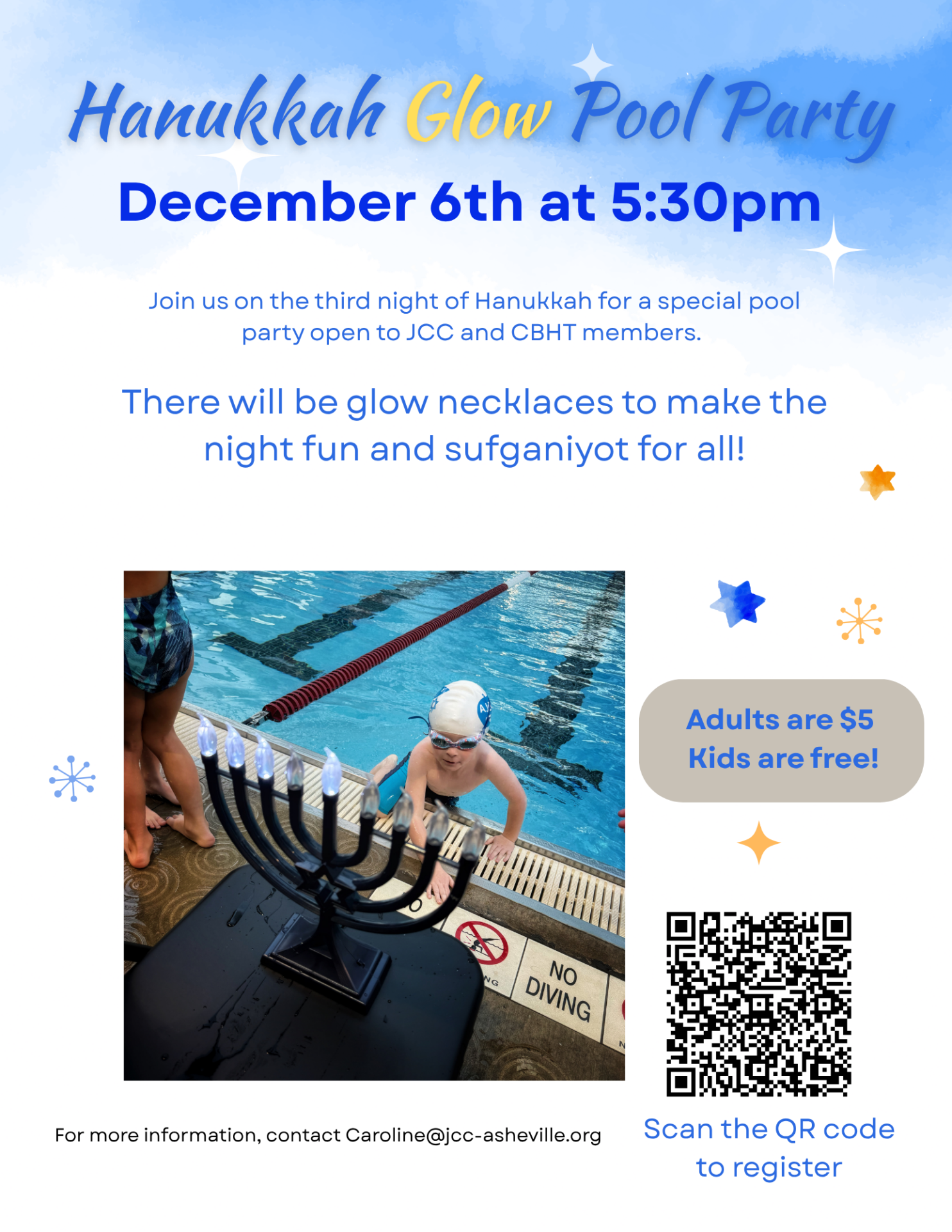
Featured
Featured
Save the date for a fun evening at the pool, during which we will celebrate Hanukkah with sufganiyot and glow necklaces. Kids are free!
$5
|


The Jew in the Folk Muse
JCC Main Building Delayed Opening
Having trouble subscribing to our calendar with an Android device?
When you subscribe to a calendar by URL, Android often adds it to your account with sync turned OFF, so it shows up on desktop but not on the phone. Here’s how to fix it:
1. Open the Google Calendar app on your Pixel.
2. Tap the menu (three lines, top left) and go to Settings.
3. Tap “Asheville Jewish Community Center.” If you don’t see it, tap “Show more” under your Google account.
4. Turn on “Sync.”
Events *should* show up within a few minutes. If they don’t, try pulling down to refresh in the app. Also make sure you’re signed into the phone with the same Google account you used to subscribe on desktop.